
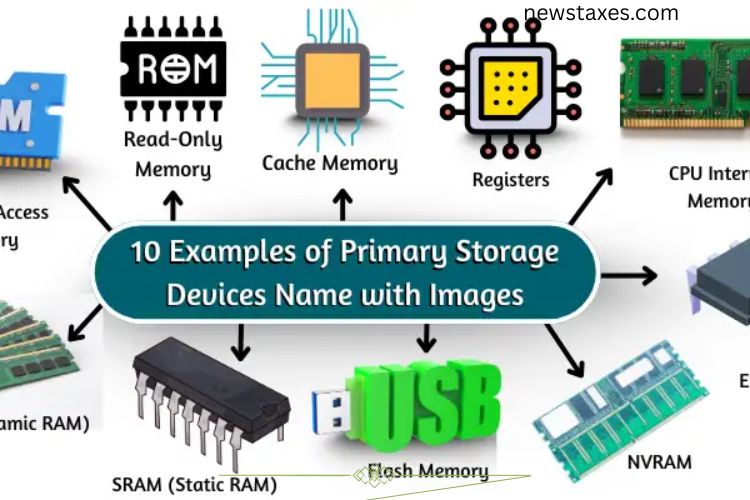
Primary storage devices play a vital role in the performance and efficiency of computers and other electronic devices. Unlike secondary storage, which holds data long-term, primary storage temporarily stores data that the system needs immediately. This allows computers to run programs smoothly, process instructions efficiently, and maintain high-speed performance. Without sufficient primary storage, computers would become slow, laggy, and unable to handle multiple tasks effectively.
Read More: Powerful Mainframe Computer Examples: IBM, Fujitsu, and Other Industry Giants
In this article, we explore 10 key examples of primary storage devices, their functions, and their benefits for everyday computing.
RAM (Random Access Memory)
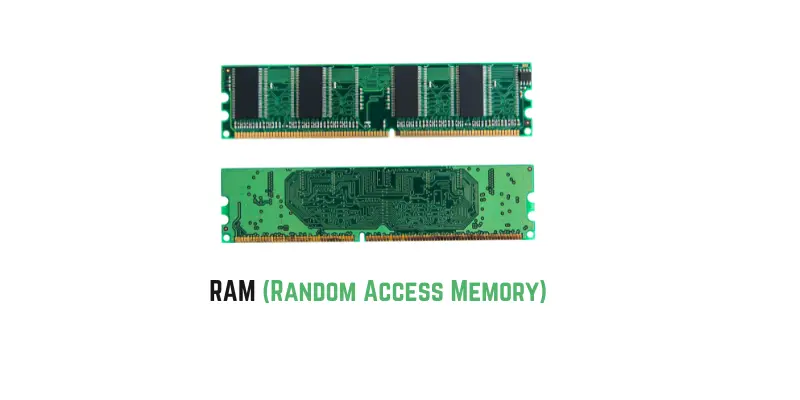
RAM is the most common type of primary storage in computers and mobile devices. It temporarily stores data that the CPU needs for active tasks, such as running applications, browsing the internet, or playing games. The amount of RAM directly affects a device’s multitasking capabilities and speed.
Key Features of RAM:
- Stores active data for quick access.
- Loses all data when the computer powers off.
- More RAM enables smoother multitasking and gaming.
- Found in computers, tablets, and smartphones.
- Improves overall system responsiveness.
ROM (Read-Only Memory)
ROM is a non-volatile memory that contains essential instructions for starting a computer. Unlike RAM, ROM retains data even when the power is off. It ensures that the system boots correctly and maintains critical firmware information.
Key Features of ROM:
- Stores boot instructions and essential system programs.
- Data is permanent and cannot be easily altered.
- Found in computers, game consoles, and smartphones.
- Ensures reliable system startup and operation.
Cache Memory
Cache memory is a small, high-speed storage unit located close to the CPU. It stores frequently accessed data to reduce processing delays, making the system faster than relying on RAM alone.
Key Features of Cache Memory:
- Provides faster access than RAM.
- Stores commonly used instructions for quick retrieval.
- Reduces CPU processing delays.
- Smaller storage size but crucial for speed.
Registers
Registers are tiny storage units inside the CPU itself. They hold data that the CPU immediately needs to execute instructions, enhancing processing speed and efficiency.
Key Features of Registers:
- Stores data for immediate CPU operations.
- Operates faster than RAM or cache.
- Different registers handle different types of data.
- Improves overall CPU performance and responsiveness.
CPU Internal Memory
The CPU also contains internal memory designed for rapid data access. It temporarily stores instructions and data required by the processor to execute tasks efficiently.
Key Features of CPU Internal Memory:
- Holds instructions required for ongoing tasks.
- Operates faster than RAM.
- Loses data when power is turned off.
- Embedded within the CPU to improve processing speed.
DRAM (Dynamic RAM)
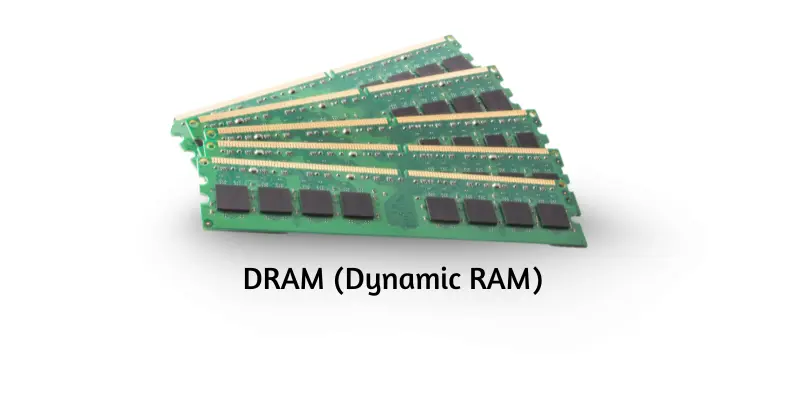
DRAM is a type of RAM that stores data temporarily while the device is powered on. It requires constant refreshing to maintain data integrity, making it slower than some other memory types but cost-effective.
Key Features of DRAM:
- Needs regular refreshing to store data.
- Loses all data when power is off.
- Commonly used in computers, smartphones, and gaming consoles.
- Cheaper than faster memory types but reliable for temporary storage.
SRAM (Static RAM)
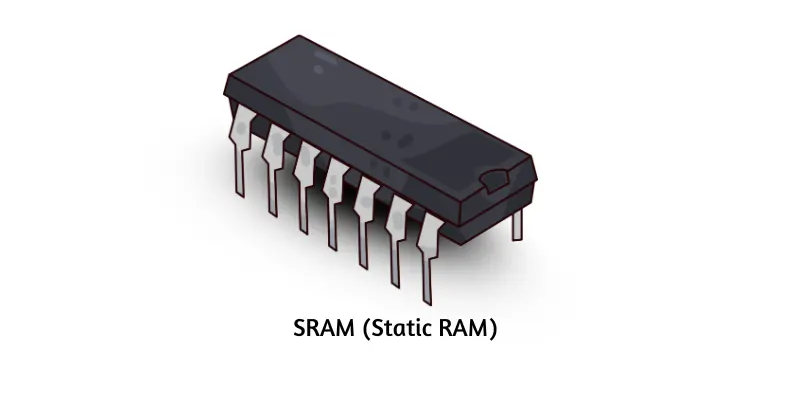
SRAM is a fast memory type that retains data as long as the power is on. Unlike DRAM, it doesn’t require refreshing, making it ideal for high-speed applications like CPU cache memory.
Key Features of SRAM:
- Provides rapid data access without refreshing.
- Loses data when power is off.
- Uses transistors for storage.
- Enhances system speed and performance in critical areas.
Flash Memory
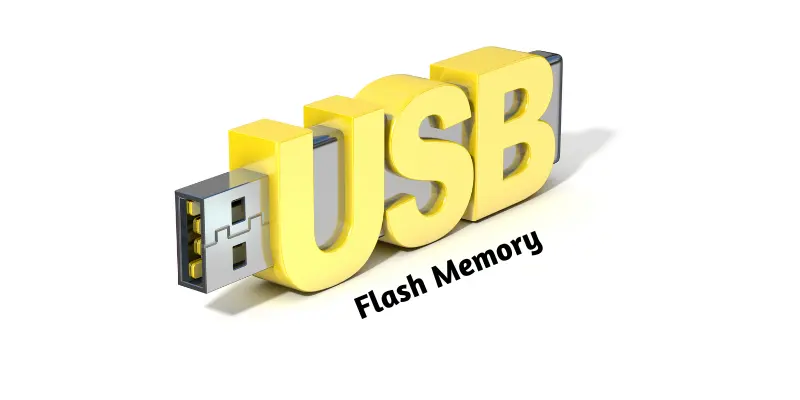
Flash memory is a non-volatile storage medium that retains data even without power. It is widely used in USB drives, SSDs, and memory cards for portable, reliable storage.
Key Features of Flash Memory:
- Maintains data without electricity.
- Provides fast data access.
- Found in USB drives, SSDs, and cameras.
- Small, portable, and highly reliable.
EEPROM (Electrically Erasable Programmable Read-Only Memory)
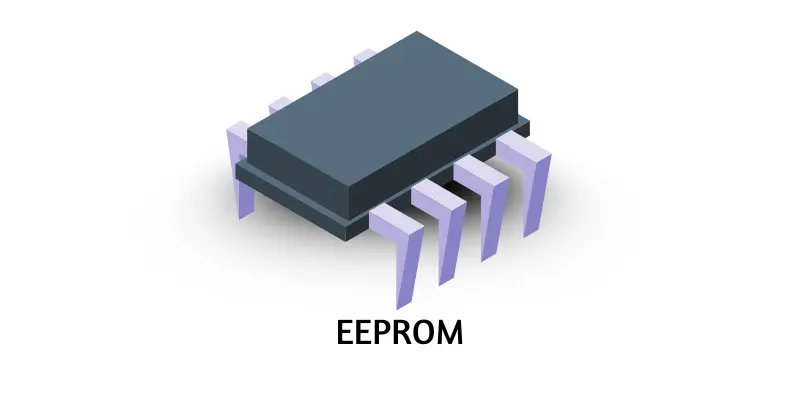
EEPROM is used for storing firmware and system instructions that need to remain even when the device is powered off. It allows selective data rewriting, making it ideal for updates without replacing the entire memory.
Key Features of EEPROM:
- Retains data without power.
- Stores critical system instructions.
- Allows selective data updates.
- Found in computers, printers, and embedded systems.
NVRAM (Non-Volatile Random Access Memory)
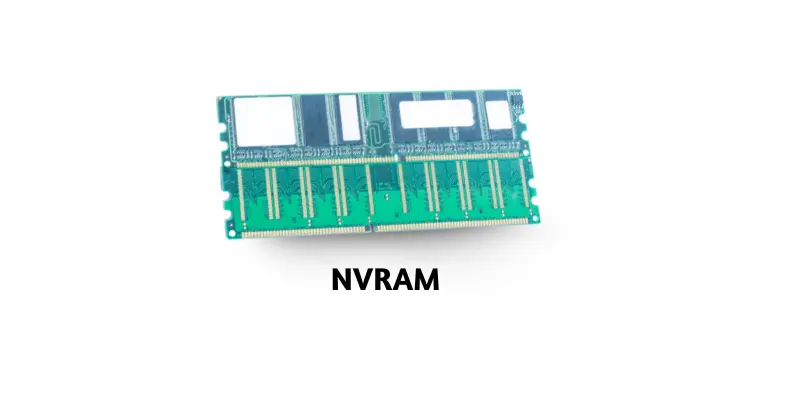
NVRAM combines the speed of RAM with the permanence of ROM. It stores critical system data permanently and ensures devices continue to operate efficiently after power loss.
Key Features of NVRAM:
- Maintains data without electricity.
- Provides rapid access for essential system functions.
- Common in routers, printers, and embedded systems.
- Supports system stability and smooth performance.
Why Primary Storage Matters
Primary storage devices are essential for computer performance. They provide fast access to data and instructions, allowing the CPU to work efficiently. While secondary storage devices like hard drives hold data long-term, primary storage ensures that active programs and processes run smoothly. Without sufficient primary storage, computers struggle with multitasking, lag in performance, and take longer to complete tasks.
Choosing the right combination of primary storage devices is critical. For instance, a high-speed CPU with limited RAM or cache memory will not perform optimally. Similarly, systems that rely heavily on DRAM or SRAM can benefit from additional RAM to enhance multitasking and gaming capabilities.
Frequently Asked Questions:
What are primary storage devices?
Primary storage devices are memory units that temporarily store data and instructions the CPU needs while performing tasks. They are faster than secondary storage and are critical for smooth system performance.
How is RAM different from ROM?
RAM (Random Access Memory) is volatile, meaning it loses data when the computer is turned off, and stores active data for running programs. ROM (Read-Only Memory) is non-volatile and stores essential instructions for booting and system operations.
Why is cache memory important?
Cache memory stores frequently accessed data closer to the CPU, reducing processing delays and improving the speed of operations. It acts as a bridge between the slower RAM and the ultra-fast CPU.
What is the difference between DRAM and SRAM?
DRAM (Dynamic RAM) requires constant refreshing to maintain data and is slower but cheaper. SRAM (Static RAM) does not need refreshing, is faster, and is often used for CPU cache memory.
What role do registers play in a computer?
Registers are tiny memory units inside the CPU that store data the processor needs immediately. They help execute instructions quickly, improving overall CPU efficiency.
How does flash memory work?
Flash memory is non-volatile and stores data permanently. It is commonly found in USB drives, SSDs, and memory cards, offering fast access and portability.
What is EEPROM used for?
EEPROM (Electrically Erasable Programmable Read-Only Memory) stores firmware and system instructions permanently and allows selective data rewriting without replacing the memory.
Conclusion
Primary storage devices are the backbone of every computer and electronic device. From RAM and ROM to cache memory, registers, and NVRAM, each type plays a crucial role in ensuring fast, efficient, and reliable performance. They enable quick data access, smooth multitasking, and seamless execution of programs, making them indispensable for modern computing. Understanding these storage devices helps users make informed decisions when upgrading or choosing devices to meet performance needs.