
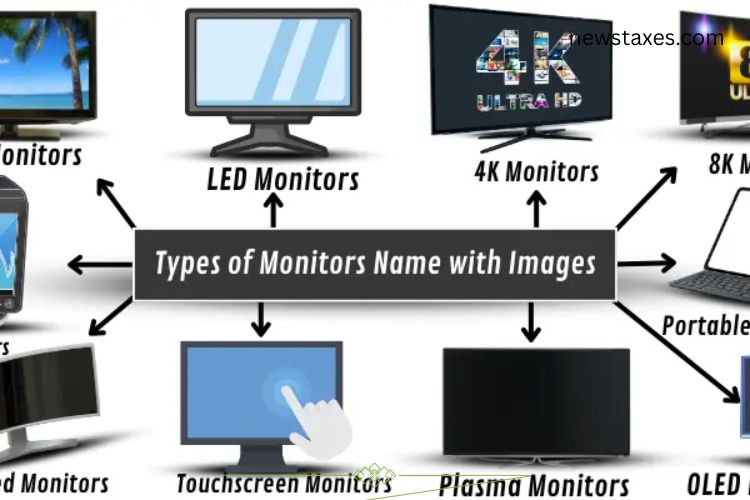
Computer monitors are an essential part of modern technology, acting as the window through which we interact with our devices. Over the years, monitor technology has evolved significantly. From bulky old-school displays to sleek, energy-efficient screens, each type of monitor offers unique features suited for specific tasks. Whether you are a gamer, designer, student, or professional, understanding the different monitor types can help you make an informed choice. This guide explores the main types of monitors and their advantages.
Read More: The Surprising Pros and Hidden Cons of Mobile Phones You Must Know
CRT Monitors – The Classic Heavyweights

CRT (Cathode Ray Tube) monitors were once the standard for all computer displays. These monitors use electron beams to illuminate pixels on the screen, creating the images we see. CRTs are bulky and heavy, but they were prized for their color accuracy and durability. Today, they have largely been replaced by flat-panel displays, though some industries and vintage computing enthusiasts still prefer CRTs for specialized purposes.
Examples:
- Sony Trinitron CRT Monitor
- Dell P992 CRT Monitor
LCD Monitors – Slim and Efficient
LCD (Liquid Crystal Display) monitors are flat-panel screens that use liquid crystals sandwiched between glass or plastic layers to produce images. When light passes through these crystals, the image appears clear and vibrant. LCD monitors are lightweight, energy-efficient, and provide sharper visuals than CRTs. Their slim design and reliable performance make them ideal for homes, offices, and schools.
Examples:
- Dell UltraSharp 2007FP
- HP L1906 19-inch LCD Monitor
LED Monitors – Brighter, Thinner, Smarter
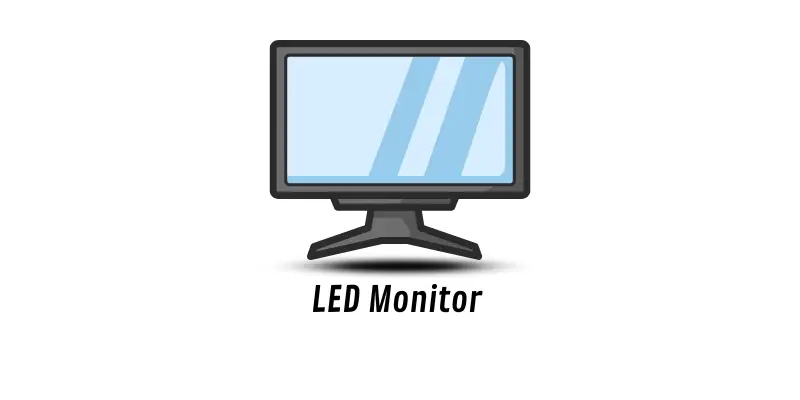
LED (Light-Emitting Diode) monitors are an advanced form of LCD displays, using LED backlights instead of traditional fluorescent lighting. This technology makes the screens thinner, brighter, and more energy-efficient. LED monitors also deliver better color contrast, making them a popular choice for everyday use, gaming, and professional work.
Examples:
- Acer LED Monitor KGI V246HQL
- HP LED Backlit Monitor 22f
OLED Monitors – Superior Color and Contrast
OLED (Organic Light-Emitting Diode) monitors use organic compounds that emit light when powered, eliminating the need for a backlight. This allows for thinner, lighter screens with deep blacks and vivid colors. OLED monitors excel in picture quality, energy efficiency, and response time, making them perfect for graphic design, gaming, and streaming high-quality videos.
Examples:
- LG UltraFine OLED Pro
- ASUS ProArt OLED Monitor
Gigabyte AERO OLED Laptop Monitor
Touchscreen Monitors – Interactive and Intuitive
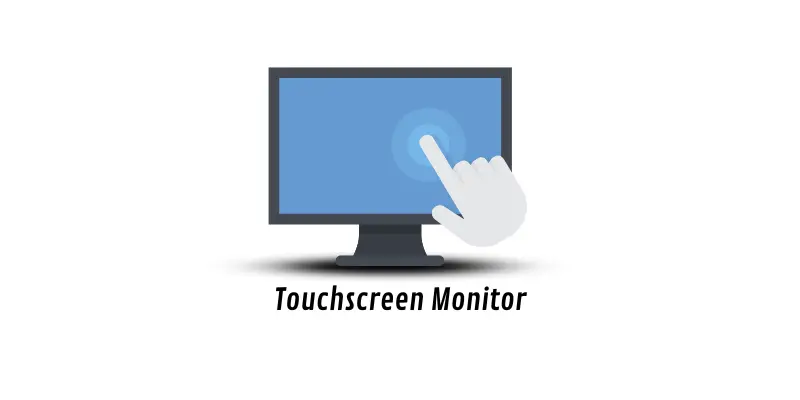
Touchscreen monitors allow users to interact directly with the display using taps, swipes, or gestures. Equipped with sensors, these monitors offer a more intuitive experience, eliminating the need for a mouse or keyboard in many applications. Touchscreens are common in laptops, tablets, kiosks, and educational devices, making them ideal for presentations, creative work, and casual use.
Examples:
- Dell P2418HT Touchscreen Monitor
- Acer T272HL Touchscreen Monitor
Plasma Monitors – Bright and Immersive
Plasma monitors create images by charging tiny cells filled with gas. When energized, these cells emit light to form bright and vivid images. Plasma monitors were once popular for large-screen televisions and video-heavy tasks due to their superior brightness and color accuracy. Although they are less common now, plasma displays still offer a visually immersive experience for certain media applications.
Examples:
- Samsung PN50C550 Plasma Monitor
- LG 60PB5600 Plasma Display
Curved Monitors – Enhanced Comfort and Immersion
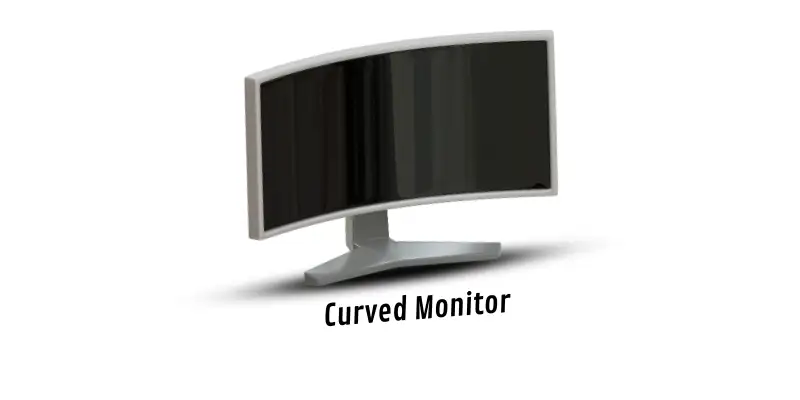
Curved monitors feature a slight inward bend, designed to provide a more natural viewing experience. By matching the curvature of human eyes, these monitors reduce distortion and glare, making them excellent for long work sessions or immersive gaming. The wraparound effect enhances depth perception, creating a more engaging visual experience.
Examples:
- Samsung Curved Monitor
- Dell Curved Monitor
- LG Curved Monitor
4K Monitors – Ultra-High Definition
4K monitors deliver four times the pixels of a standard HD screen, offering incredibly sharp and detailed images. These displays are perfect for professionals working with high-resolution graphics, video editors, and gamers who want lifelike visuals. With crisp detail and vibrant colors, 4K monitors are becoming a standard in both personal and professional setups.
Examples:
- Dell UltraSharp 4K Monitor
- Samsung Neo G8 4K Monitor
- 8K Monitors – Next-Level Clarity
8K monitors take image quality to the next level with four times the resolution of 4K screens. These monitors are ideal for large-scale displays, detailed graphic design, and high-end video production. The sheer pixel density ensures unmatched clarity, making every detail visible even on massive screens.
Examples:
- LG UltraFine 8K Monitor
- ASUS ProArt 8K Monitor
Portable Monitors – Extra Screens On the Go
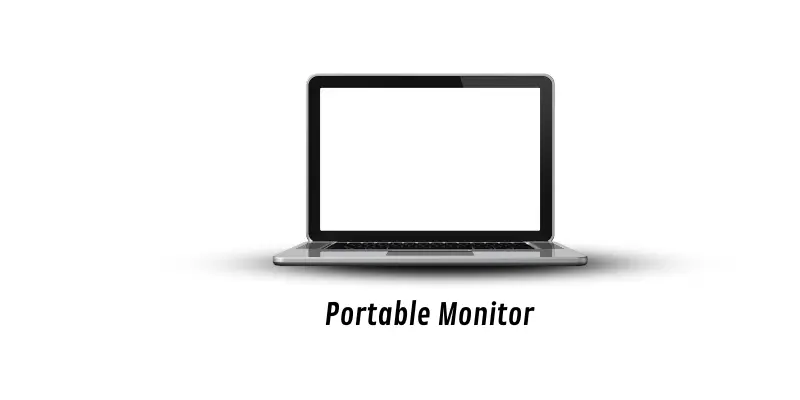
Portable monitors are compact, lightweight screens that can be easily carried and connected to laptops, tablets, or smartphones. Perfect for remote work, travel, or presentations, these monitors provide an extra display without taking up much space. Despite their small size, portable monitors offer excellent image quality and flexibility for users who need multi-screen setups on the move.
Examples:
- 7-inch LCD Portable Monitor
- Portable TFT Monitors
Choosing the Right Monitor
Selecting the right monitor depends on your specific needs:
- Gamers: Curved monitors, OLED, and 4K displays offer immersive visuals and faster response times.
- Professionals & Designers: OLED and 8K monitors provide unmatched color accuracy and sharpness.
- Students & Office Users: LCD and LED monitors are energy-efficient, slim, and budget-friendly.
- Travelers: Portable monitors give flexibility and extra screen space on the go.
Other factors to consider include screen size, resolution, refresh rate, and ergonomic features. Investing in the right monitor ensures better productivity, comfort, and a more enjoyable computing experience.
Frequently Asked Questions:
What are the different types of computer monitors?
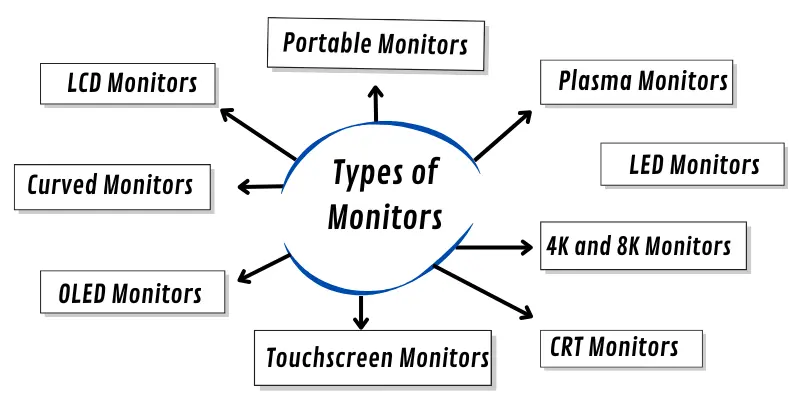
Computer monitors come in various types including CRT, LCD, LED, OLED, touchscreen, plasma, curved, 4K, 8K, and portable monitors. Each type has unique features designed for specific purposes like gaming, office work, design, or travel.
Which monitor type is best for gaming?
For gaming, OLED, LED, 4K, and curved monitors are ideal. OLED and LED monitors provide vibrant colors and fast response times, while curved monitors offer immersive viewing angles. 4K monitors deliver ultra-sharp graphics for a superior gaming experience.
Are CRT monitors still in use today?
CRT monitors are largely outdated but are still used in some specialized industries and by vintage computing enthusiasts. Modern users prefer slim and energy-efficient displays like LCD, LED, or OLED monitors.
What is the difference between LCD and LED monitors?
LCD monitors use liquid crystals to create images, while LED monitors are a type of LCD display that uses LED backlighting. LED monitors are thinner, brighter, and more energy-efficient, often offering better color contrast.
What makes OLED monitors different from LED monitors?
OLED monitors use organic compounds that emit their own light, eliminating the need for a backlight. This allows for thinner screens, deeper blacks, more vibrant colors, and better energy efficiency compared to standard LED monitors.
Why should I consider a curved monitor?
Curved monitors improve viewing comfort by reducing distortion and glare. They offer an immersive experience for gamers and professionals who spend long hours in front of the screen, providing better depth perception and a natural viewing angle.
Are portable monitors worth it?
Portable monitors are excellent for remote work, travel, or adding a secondary screen on the go. They are lightweight, easy to carry, and connect to laptops, tablets, or smartphones, making them highly practical for multitasking.
Conclusion
Choosing the right monitor can transform your computing experience. From classic CRTs to cutting-edge OLED and 8K displays, each type offers unique features tailored to different needs—whether it’s gaming, professional design, office work, or travel. Understanding the strengths of each monitor type helps you make an informed decision, ensuring sharper visuals, better comfort, and enhanced productivity. Invest in a monitor that matches your lifestyle and requirements, and enjoy a display that truly brings your digital world to life.